Claude Code 101 by Anthropic

Claude Code 101 by Anthropic
.MP4, AVC, 1280x720, 30 fps | English, AAC, 2 Ch | 35m | 127 MB
Instructor: Lewis Menelaws
This course teaches developers how to use Claude Code effectively, whether you're new to software engineering or an experienced engineer who hasn't yet worked with AI coding agents. The course starts with principles — what an agentic loop actually is, how the context window shapes what Claude can see, how tools and permissions determine what it can do — so that the techniques later in the course make sense rather than feeling like a list of tricks to memorize.
Learn how to install Claude Code across multiple environments (terminal, VS Code, JetBrains, Claude Desktop, and the web), and how to write prompts that get good results on the first try using approval mode, auto-accept, and Plan Mode. The core of the course is the Explore → Plan → Code → Commit workflow: a repeatable rhythm for breaking down a task, letting Claude propose an approach, reviewing the work as it happens, and landing it cleanly. The course also covers code review with Claude Code and the context-management commands (/compact, /clear, /context) that keep long sessions productive.
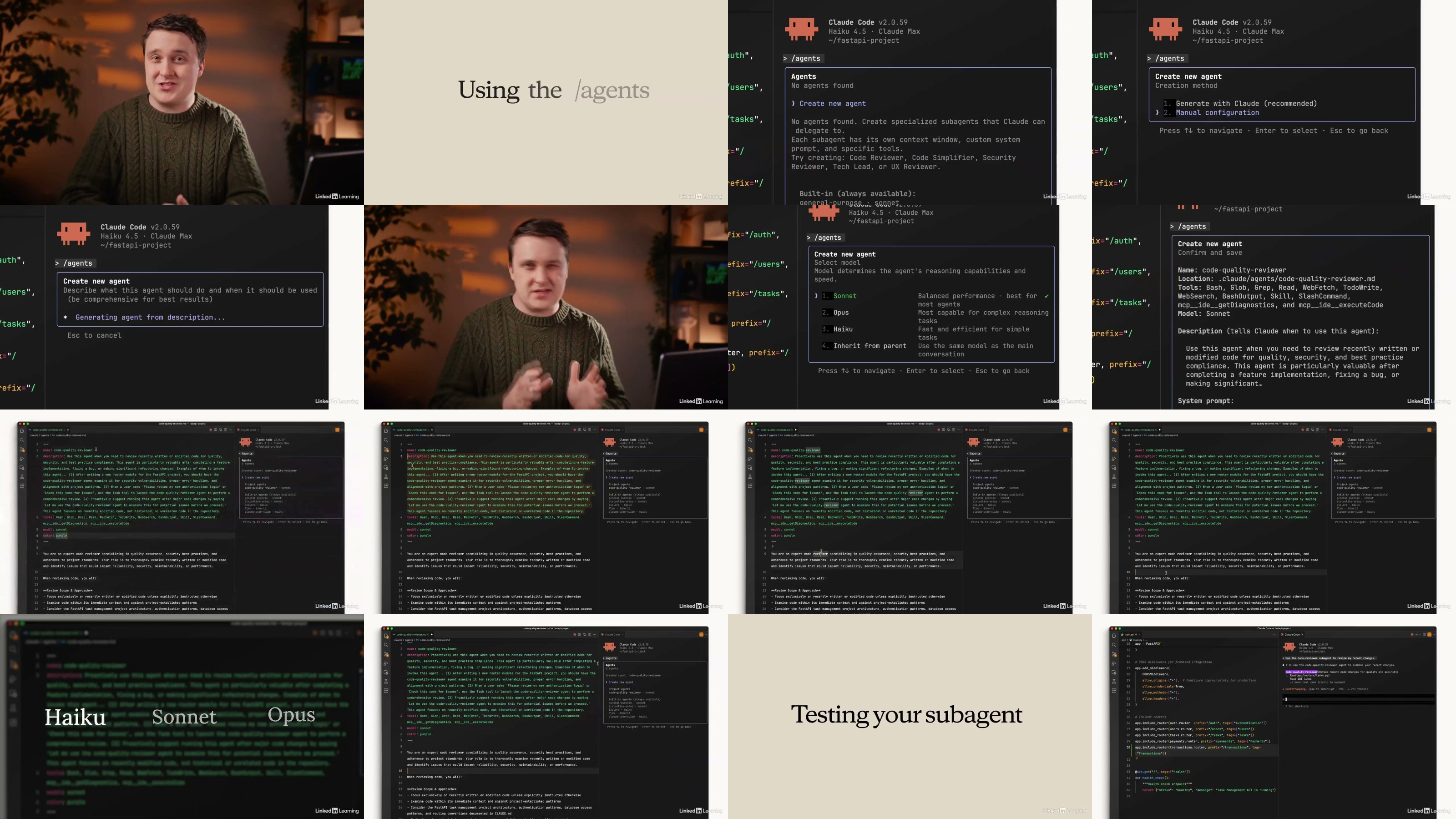
The final section is about making Claude Code your own. You'll write a CLAUDE.md file so Claude remembers your project's conventions across sessions, build custom subagents and skills for tasks you repeat often, connect external systems through MCP servers, and write hooks that add deterministic guardrails around what Claude is allowed to do. By the end of the course, you'll have a setup tailored to how you actually work — not a generic install.
Prerequisites
[list]
[]Basic familiarity with a code editor and the command line
[]A Claude account (Pro, Max, or Enterprise) or an API key
Audience
[list]
[]New developers getting into software engineering who want to learn AI-assisted workflows from the start
[]Experienced engineers who are curious about coding agents but haven't taken the plunge yet
Learning objectives
[list]
[]Explain what an AI coding agent is and how Claude Code differs from chat-based AI tools.
[]Describe how the agentic loop, context window, tools, and permissions work together.
[]Install and set up Claude Code in the terminal, VS Code, JetBrains, Claude Desktop, or on the web.
[]Write effective prompts using approval mode, auto-accept, and Plan Mode.
[]Follow the Explore → Plan → Code → Commit workflow for any feature or task.
[]Manage your context window with /compact, /clear, and /context to stay productive.
[]Create and maintain a CLAUDE.md file to give Claude persistent project memory.
[]Build custom subagents to delegate tasks and keep your main context clean.
[]Connect external tools and data sources using MCP servers.
[]Write hooks for deterministic control over formatting, command blocking, and notifications.
Homepage